Tired of your main inbox getting flooded with spam after every online sign-up? Disposable email for one-time verification is your secret weapon. It provides a temporary, throwaway email address you use only once, shielding your real contact info from marketers, data harvesters, and potential phishing scams. This simple tool is essential for anyone wanting to browse, download, or register online without long-term commitment or clutter.
Remember that feeling? You just wanted to read an article, download a PDF, or peek at a gated piece of content. You entered your email address, clicked “Submit,” and within minutes, your inbox was under siege. Promotional offers, “welcome” newsletters, and who-knows-what-else flooded in, all because you trusted a website with your primary email. It’s a universal digital frustration. But what if you had a secret, throwaway email address just for those moments? That’s the magic of disposable email for one-time verification. It’s not a hack; it’s a straightforward privacy tool that puts you back in control of your online identity and your inbox peace.
In this deep dive, we’ll unpack everything you need to know about temporary email services. We’ll move beyond the basic “it prevents spam” idea and explore exactly how these services work, the real-world scenarios where they shine (and where they fail), how to pick a trustworthy provider, and the best practices to use them effectively and safely. Think of this as your complete, friendly guide to mastering a crucial piece of modern internet hygiene.
Key Takeaways
- Primary Purpose: Disposable emails are temporary addresses created for a single, specific online interaction to avoid using your permanent email.
- Spam Prevention: They act as a powerful shield, preventing promotional emails, newsletters, and spam from ever reaching your primary inbox.
- Enhanced Privacy: By not linking your real identity to low-stakes website registrations, you minimize your digital footprint and data exposure.
- Not for Security-Critical Tasks: Never use them for account recovery, banking, official government services, or any platform where you need guaranteed, long-term access.
- Inherent Limitations: These addresses expire quickly (often in 10 minutes to a few hours), and you cannot retrieve them after the session ends.
- Provider Variability: Features, lifespan, and security differ between services; choose reputable providers that don’t log your activity.
- Ethical Use: They are a tool for privacy, not for abuse; using them to circumvent bans or create fake accounts violates most sites’ Terms of Service.
📑 Table of Contents
- What Exactly Is Disposable Email for One-Time Verification?
- When and Why You Should Absolutely Use a Disposable Email
- The Flip Side: Risks, Limitations, and What NOT To Do
- How to Choose a Reputable Disposable Email Service
- Best Practices for Seamless and Safe Use
- The Bigger Picture: Digital Hygiene and Proactive Privacy
- Conclusion: Your Inbox, Your Rules
What Exactly Is Disposable Email for One-Time Verification?
Let’s start with a clear definition. A disposable email (also called a temporary email, throwaway email, or temp mail) is an email address that is generated instantly, used for a very short period, and then permanently discarded. It’s designed for a single, specific purpose: to satisfy a website’s requirement for an email address without you having to sacrifice your real, personal one. The “one-time verification” part is key. You use it to verify a single action—like clicking a “send download link” button or confirming a forum registration—and then you walk away.
The Core Philosophy: Separation of Concerns
The underlying principle is simple separation. Your primary email address is tied to your identity, your friends, your work, and your important accounts. It’s valuable and needs protection. A disposable email is a burner. It’s the digital equivalent of using a cash prepaid card for a one-off online purchase instead of your primary credit card. You create a clear boundary between your essential digital self and the countless, often low-trust, interactions that make up daily web browsing.
How It Works: The Technical Dance
The process is remarkably frictionless:
- Generation: You visit a disposable email provider’s website (like Temp-Mail.org, 10MinuteMail.com, or Guerrilla Mail). Their system instantly generates a random email address for you, often displayed right on the homepage. No sign-up, no password, no personal details required.
- Usage: You copy that address and paste it into the website or service that’s asking for an email.
- Reception: Any email sent to that disposable address is received by the provider’s server. You stay on the provider’s site and refresh an inbox window to view the incoming message(s).
- Access: You click any verification links or download attachments directly from this temporary inbox.
- Deletion: After a set time—which could be 10 minutes, 1 hour, or until you close the browser tab—the address and all its messages are automatically purged from the system. It’s gone forever.
When and Why You Should Absolutely Use a Disposable Email
Knowing *how* it works is one thing. Knowing *when* to use it is where the real value lies. Here are the most common and practical scenarios where a disposable email for one-time verification is not just helpful, but a smart necessity.
Visual guide about Disposable Email for One-time Verification
Image source: devdude.com
1. Accessing Gated Content & Downloads
This is the #1 use case. You want a whitepaper, an e-book, a template, or a software trial. The website asks for your email to “send the download link.” Using your main email here is a one-way ticket to their email marketing list. Instead, use a disposable address. Get the link, download the file, and let the temporary inbox expire. The content is yours, and your primary inbox remains untouched.
2. Signing Up for New Services & Trials
Want to test a new SaaS tool, project management app, or streaming service? Most require an email to create an account. Use a disposable email for the initial sign-up and exploration period. If you decide the service is worth paying for and integrating into your life, you can then consider upgrading with your real email. This prevents you from being locked into marketing campaigns for services you’ll never use.
3. Posting on Forums or Comment Sections
Many online forums, news sites, and blogs require email verification to prevent spam bots. If you just want to post a comment or ask a quick question in a community you’re not planning to be active in, a disposable email is perfect. It satisfies their requirement without linking your primary address to a public profile.
4. Avoiding “Newsletter” Traps
Ever checked a box that said “Yes, I want to receive promotional offers” without meaning to? Or signed up for a store loyalty card just to get a one-time discount? These often automatically enroll you in email lists. Using a disposable email for these transactions is a clean way to get the immediate benefit (the discount, the receipt) without the long-term subscription baggage.
5. Protecting Yourself from Data Breaches & Spam Harvesters
When you enter your email on a sketchy-looking website or a new, unknown platform, you’re taking a risk. That site could be a data harvester, or it could get breached tomorrow, spilling your email into the hands of spammers. By using a disposable address, you contain the potential damage. The leaked data is a dead, temporary address, not your gateway to online banking and personal conversations.
The Flip Side: Risks, Limitations, and What NOT To Do
Disposable email is a powerful tool, but it’s not a magic shield for all online activities. Using it incorrectly can backfire. Understanding its limitations is critical for safe and effective use.
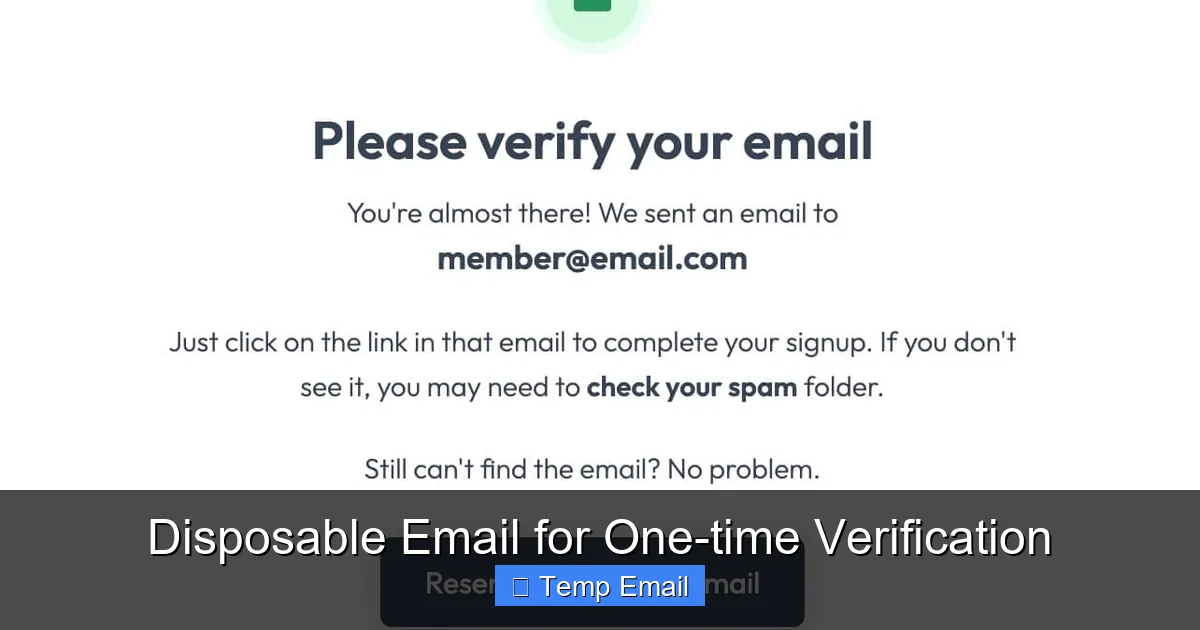
Visual guide about Disposable Email for One-time Verification
Image source: assets-global.website-files.com
Inherent Limitations of the Tool
First, accept the fundamental constraints. Disposable emails are, by design, ephemeral.
- Short Lifespan: The inbox you’re viewing will vanish. If a website sends a follow-up email two days later with a crucial update or a receipt, you will not receive it. The address is dead.
- No Sending: Most services are receive-only. You cannot *send* emails from a disposable address. It’s for verification *inbound* only.
- No Account Recovery: This is the most important rule. If you use a disposable email to sign up for an account you eventually want to keep (like a social media profile or a cloud storage account), you will lose access. You cannot reset your password because the reset email goes to an address that no longer exists.
Security and Privacy Considerations
Not all disposable email providers are created equal. Some may:
- Log Your Activity: While they delete the inbox, they might keep server logs of which IP addresses accessed which temporary addresses for a period.
- Be Insecure: Some providers use unencrypted HTTP instead of HTTPS, meaning your temporary inbox session could be intercepted on public Wi-Fi.
- Be Blocked: Many popular websites and platforms (like Google, Facebook, major banks, and government sites) actively detect and block known disposable email domains. You simply cannot use them there.
What You Should NEVER Do
Here is a non-negotiable list of actions to avoid with a disposable email:
- Do NOT use it for any account where you need long-term access. This includes email accounts themselves, social media, banking, cryptocurrency exchanges, job application portals, or university admissions systems.
- Do NOT use it for official or legal communications. Court notices, government tax forms, and official contracts require a verifiable, permanent email address.
- Do NOT use it to circumvent a ban. If you’ve been banned from a forum for violating rules, creating a new account with a disposable email to bypass that ban is almost always against the Terms of Service and will result in a more permanent ban if caught.
- Do NOT rely on it for two-factor authentication (2FA) recovery codes. If your 2FA is tied to a disposable email, you will be permanently locked out of your account if you lose your phone or authenticator app.
How to Choose a Reputable Disposable Email Service
With dozens of providers out there, how do you pick one? You need a service that is convenient, reasonably private, and reliable for the task at hand.
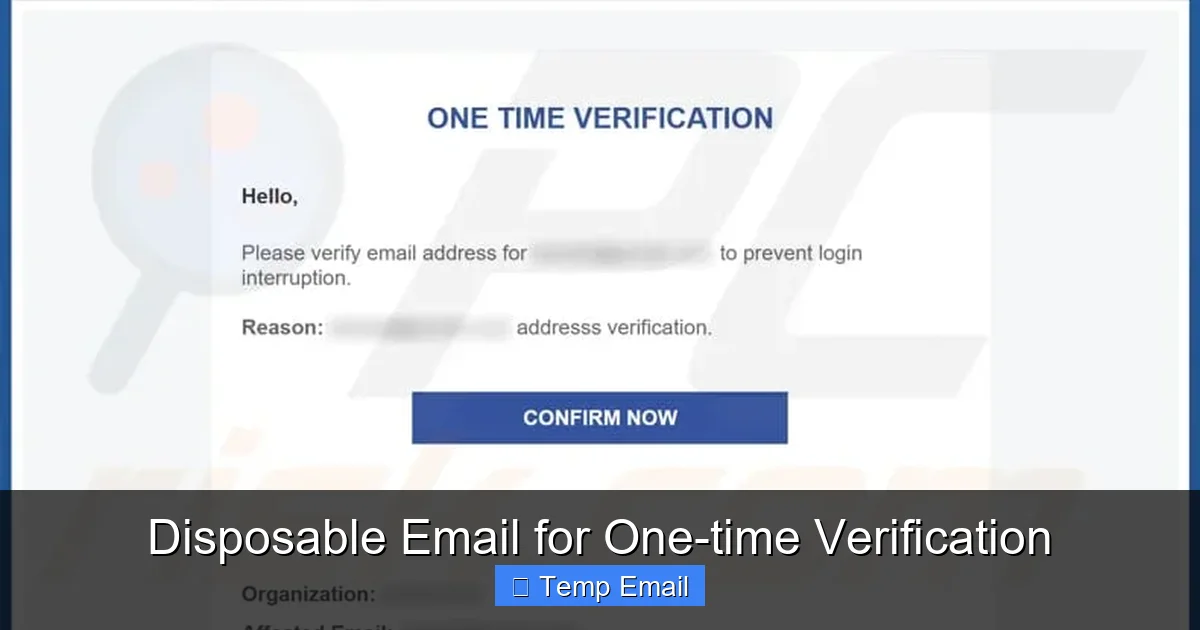
Visual guide about Disposable Email for One-time Verification
Image source: pcrisk.pt
Key Features to Look For
- No Registration Required: The best services generate an address for you the moment you land on their site. If they ask for an email to “create your temporary inbox,” run.
- HTTPS Encryption: Ensure the URL starts with “https://”. This encrypts the connection between your browser and their server, protecting your temporary inbox from snooping on your local network.
- Inbox Lifespan: Check how long the inbox lasts. 10-60 minutes is standard for quick verifications. Some offer 24 hours or more, which can be useful if you expect a delayed email.
- Domain Options: Some providers offer multiple domain names (e.g., @tmpmail.org, @disposable.com). If one domain gets blocked by a site, you can try another from the same provider.
- Manual Deletion: The ability to manually delete the inbox before the timer expires is a good privacy feature, ensuring no one can stumble upon it later.
- Ad Experience: Most of these services are free and ad-supported. A clean interface with non-intrusive ads is preferable to a cluttered, misleading site that might trick you into clicking malware.
Popular and Trusted Options
While the landscape changes, several providers have maintained good reputations for years. Temp-Mail is one of the most popular, offering a generous inbox lifespan and multiple domains. 10MinuteMail is a classic, famous for its straightforward, no-frills 10-minute countdown. Guerrilla Mail provides a slightly longer 60-minute inbox and a simple interface. It’s wise to have 2-3 in your bookmarks, as any single domain can become overused and blocked by certain websites.
Best Practices for Seamless and Safe Use
Using disposable email effectively is about developing good habits. Follow these practices to make the tool work perfectly for you every time.
1. The Workflow: Copy, Paste, Refresh, Forget
Develop a mental checklist. When you land on a site needing an email:
- Open your chosen disposable email provider in a new tab.
- Copy the generated address.
- Paste it into the website’s sign-up form.
- Submit the form.
- Immediately switch back to the disposable email tab and hit refresh repeatedly until the verification email arrives (usually within seconds).
- Click the link or download the file.
- Critical Step: Once you’ve completed the action, close the disposable email tab. Do not leave it open. This helps ensure the session ends and the address becomes inactive in your mind, reducing the chance of accidentally using it elsewhere later.
2. Never Mix Them Up
This is a common mistake. Keep your disposable email workflow entirely separate from your primary email workflow. Do not use the same browser window or profile. A good trick is to use one browser (e.g., Chrome) for your main, logged-in life and a different one (e.g., Firefox or a dedicated Chrome profile) for temporary, disposable activities. This physical separation prevents catastrophic copy-paste errors.
3. Manage Expectations for Delivery
Not all emails arrive instantly. Some websites queue emails, or there may be a slight delay in the provider’s system. If the email doesn’t appear in the first 30 seconds, keep refreshing. If after 2-3 minutes it’s still not there, the website may have blocked the disposable domain, or your request may have failed. In that case, try a different provider’s domain. If it still fails, you may need to use your real email (and accept the spam risk) or abandon the sign-up.
4. Use for One Thing Only
Treat each disposable address as a single-use key. Do not use the same temporary address for multiple websites. While it might seem efficient, it creates a weak link. If one of those sites is malicious and logs the email address, they could potentially correlate your activity across the different sites you used that same disposable address for. Generating a fresh address for each new site is the safest practice.
The Bigger Picture: Digital Hygiene and Proactive Privacy
Relying on disposable email for one-time verification is more than a spam-fighting trick; it’s a foundational practice of good digital hygiene. In an era of pervasive data collection, where every sign-up is another data point sold to advertisers, taking control of your most basic contact identifier is a powerful act of self-protection.
Think of your primary email address as your home address. You wouldn’t give it out to every random store clerk or street surveyor. You’d give a P.O. box or a work address for non-essential matters. Disposable email is your digital P.O. box for the internet. It’s a low-effort, high-reward habit that, when combined with a password manager and two-factor authentication, forms a robust personal security strategy. It reduces your “attack surface”—the number of places your real email is stored and potentially vulnerable.
Moreover, it fosters a more skeptical and intentional relationship with the web. When you habitually use a disposable address, you’re forced to ask yourself: “Is this service worth me even *pretending* to engage with? Do I really want this?” It creates a tiny moment of friction that can prevent impulsive sign-ups for things you don’t need, ultimately simplifying your digital life.
Conclusion: Your Inbox, Your Rules
Disposable email for one-time verification is a deceptively simple tool with profound implications for your online privacy and sanity. It’s the perfect antidote to the modern web’s “email for access” economy. By understanding its purpose—to be a temporary shield—and respecting its limits—it is not for permanent accounts—you can wield it effectively.
Start today. Bookmark a reputable provider. Next time you see that email field on a site you don’t fully trust or only need once, reach for your disposable address. Enjoy the feeling of clicking “Submit” without that sinking sense of dread, knowing your primary inbox is safe. You’re not hiding; you’re being selectively visible. In the crowded, noisy, and often predatory digital landscape, that’s not just smart—it’s essential. Take control of your first point of contact online. Your future self, with a clean and organized inbox, will thank you.
Frequently Asked Questions
Is using a disposable email address legal?
Yes, using disposable email services is completely legal. They are legitimate tools provided by companies for privacy protection. The legality only comes into question if you use the temporary address for illegal activities like fraud, which is prohibited by the terms of virtually all services and is illegal regardless of the email type used.
Can websites detect that I’m using a disposable email?
Often, yes. Many websites maintain lists of known disposable email domains and will block them during sign-up. This is why using a reputable provider with multiple domain options is helpful. If one domain is blocked, you can try another from the same service. Major platforms like Google, Facebook, and banks almost always block these domains.
Will the website know I used a temporary email?
Yes, the website you sign up with will see the disposable email address in its user database. From their perspective, it’s just a valid email format. They may not know it’s “disposable” unless they specifically check against a blocklist. However, they will have no way to link that temporary address back to your real, personal email address.
What happens if I need to reset my password for an account I signed up with a disposable email?
You will be unable to reset your password. Password reset links are sent to the registered email address. Since the disposable email address has expired and is no longer accessible, you will be permanently locked out of that account. This is why the cardinal rule is: never use a disposable email for any account you intend to keep long-term.
Are disposable emails secure? Can someone intercept my verification code?
Security varies by provider. Reputable providers use HTTPS encryption for your session, which protects the email content from being intercepted on your local network. However, the email itself is stored on the provider’s server. While most delete inboxes quickly, there is a theoretical risk if the provider itself is compromised or malicious. For maximum security with sensitive verifications (like for a banking app), always use your permanent, secure email with 2FA enabled.
Do disposable email services sell my data or show me ads?
Most free disposable email services are ad-supported, so you will see advertisements on their site. Their business model is typically based on these ads, not on selling the content of your temporary emails. However, you should always check the provider’s privacy policy. Reputable services state they do not log or sell the content of your temporary inboxes. Avoid providers that seem overly sketchy or have vague privacy policies.
Leave a Reply