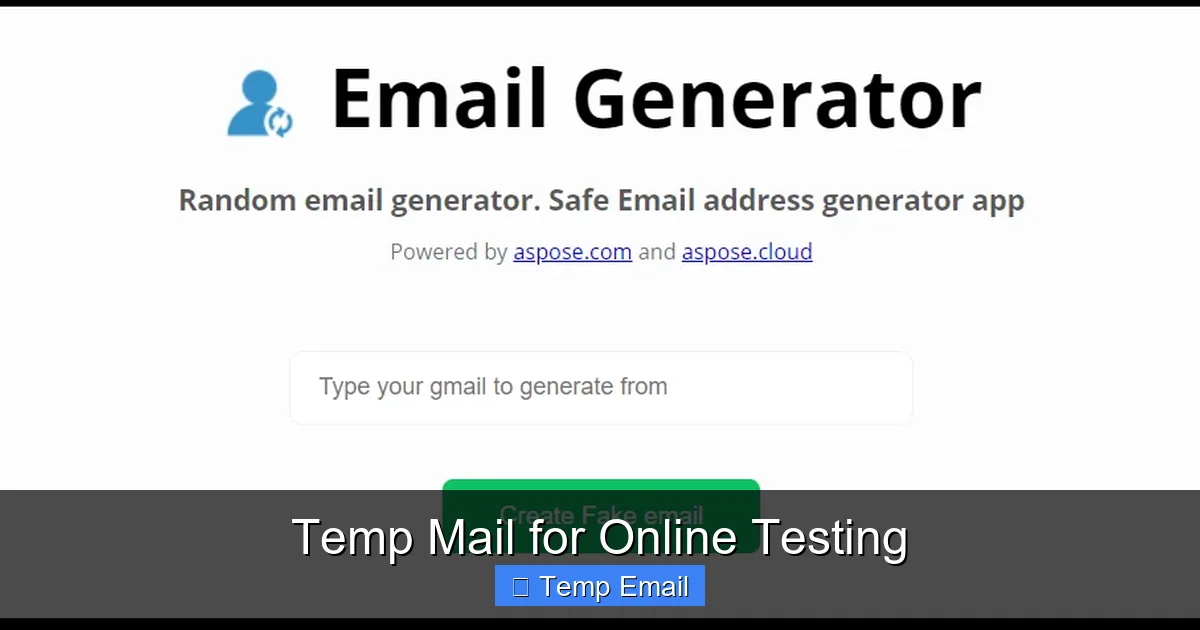
Temp mail for online testing is a crucial tool for developers, QA testers, and privacy-conscious users. It allows you to create temporary, disposable email addresses to sign up for services, test email workflows, and verify systems without using your personal inbox. This method prevents spam, safeguards your identity, and ensures your test accounts don’t interfere with real communications, making it an essential practice for clean, efficient, and secure online testing scenarios.
Have you ever been stuck mid-test because a website demanded an email address to proceed? You just want to see if the “Submit” button works or if the email template renders correctly, but you’re hesitant to use your personal Gmail. You’re not alone. This is where temp mail for online testing becomes a silent hero in the world of quality assurance, development, and digital privacy. It’s not just for avoiding spam on sketchy websites; it’s a fundamental utility for anyone who needs to interact with systems that gatekeep functionality behind an email wall. Think of it as a dedicated, throwaway workbench for your email-dependent tasks—a place to make a mess, test the machinery, and walk away without a trace.
In this comprehensive guide, we’ll dive deep into the strategic use of temporary email addresses specifically for testing purposes. We’ll move beyond the basic “avoid spam” conversation and explore how this tool fits into professional workflows, the nuances of choosing a service, and the best practices that make your testing both effective and ethical. Whether you’re a software tester validating a registration flow, a marketer checking an automated campaign, or just a savvy user wanting to explore a new app risk-free, understanding temp mail for online testing will transform how you interact with the digital world.
Key Takeaways
- Anonymity & Privacy: Temp mail shields your real identity and personal email from test platforms, preventing data profiling and unwanted tracking.
- Spam & Junk Prevention: By using a disposable address, you keep promotional emails and potential malware out of your primary inbox permanently.
- Clean Test Environment: It ensures test accounts and verifications don’t clutter your real email, allowing for organized, conflict-free testing cycles.
- GDPR & Compliance Testing: Temp mail is vital for testing user consent flows, data deletion requests, and email opt-out mechanisms under privacy regulations.
- Cost & Time Efficiency: Automate sign-up and email verification steps quickly without manual inbox management, speeding up QA and development workflows.
- Risk Mitigation: Avoid accidental subscriptions, security breaches from test accounts, and the “password reset loop” on your personal devices.
- Ethical & Responsible Use: It’s a tool for legitimate testing, not for bypassing paywalls, creating fake accounts for abuse, or evading bans on platforms.
📑 Table of Contents
- What Exactly is “Temp Mail for Online Testing”?
- Why is This Non-Negotiable for Modern Testing? The Key Advantages
- How to Integrate Temp Mail into Your Testing Workflow: A Practical Guide
- Best Practices and Crucial Considerations
- Legal and Compliance Landscape: Is It Allowed?
- Top Tools and Services for Temp Mail in Testing (A Comparative Look)
- Conclusion: Making Temp Mail a Strategic Asset
What Exactly is “Temp Mail for Online Testing”?
Let’s clarify the terminology. “Temp mail” or “disposable email” refers to a service that provides you with a random, temporary email address and a public inbox to receive messages. These addresses typically expire after a short period—from 10 minutes to a few hours—or after a certain number of messages. The core idea is impermanence.
The Core Principle: Ephemeral Communication
When we say “for online testing,” we’re applying that ephemerality to a specific use case. It’s the practice of using these disposable addresses as a controlled variable in your testing environment. The goal is to simulate a real user’s email interaction without the long-term baggage of a permanent account. This means you can:
- Trigger and receive verification emails (e.g., “Confirm your email to activate your account”).
- Test password reset flows by receiving the reset link.
- Validate newsletter sign-ups and check if the welcome email is formatted correctly.
- Assess email-based 2FA (two-factor authentication) systems.
- Check how a system handles invalid or non-deliverable addresses during form validation.
The “testing” isn’t just about the website’s UI; it’s about the entire email delivery chain: from the moment you submit the address, to the system processing it, to the email service provider (like SendGrid or Mailgun) delivering it, and finally, to the content rendering correctly in a webmail client.
Why is This Non-Negotiable for Modern Testing? The Key Advantages
Using your personal email for testing is like using your front door key to test every lock in a hardware store. It works, but it’s irresponsible and creates unnecessary complications. Here’s why dedicated temp mail for online testing is a superior strategy.
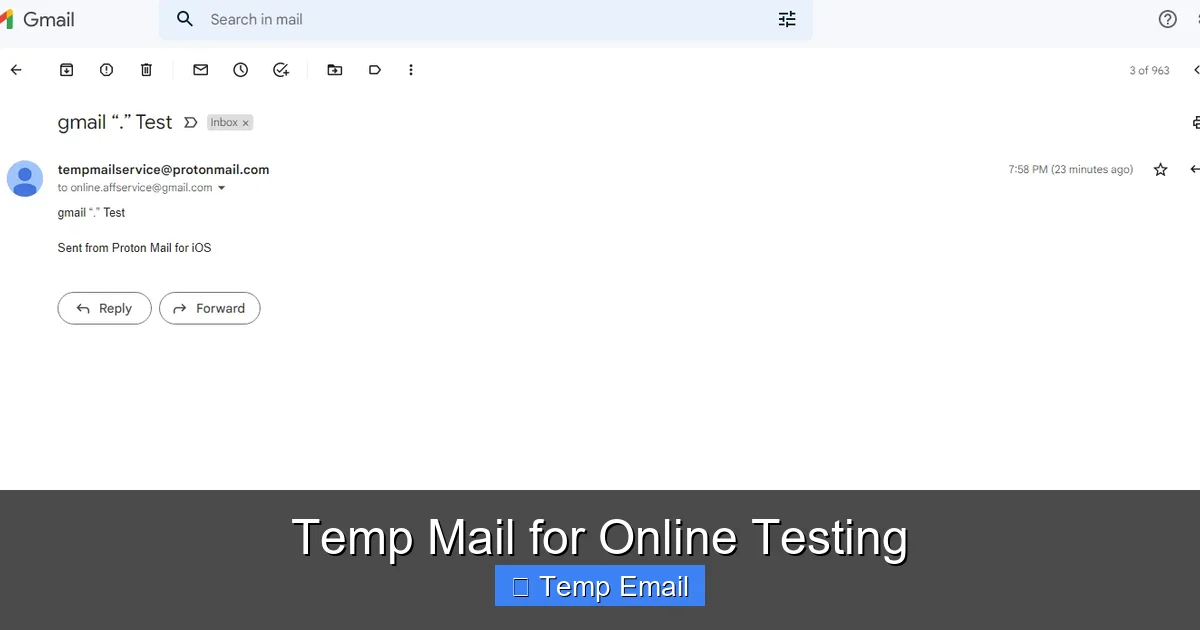
Visual guide about Temp Mail for Online Testing
Image source: 10-minutemail.com
1. Uncompromised Privacy and Data Isolation
Every time you use your personal email on a new platform, you create a data point. That platform now has a verified, active email address linked to your real identity (if you use a name-based provider like Gmail). For a tester, this is a contamination of your personal data footprint. Using a random string like [email protected] creates a clean, anonymous boundary. If that test account is ever involved in a data breach, your personal identity is safe. This is especially critical for testers working on financial, healthcare, or high-security projects where even test data must be compartmentalized.
2. Liberation from Spam and Unwanted Communications
Let’s be honest: many “free” services monetize by selling access to your email or bombarding you with promotions. A single test sign-up can lead to years of newsletters and promotional blasts. With a disposable address that expires in an hour, any subsequent spam simply vanishes into the void. The inbox closes, the address is recycled, and the noise is permanently silenced. This keeps your primary inbox pristine and your attention focused on what matters.
3. Perfect for Automated and CI/CD Pipelines
In modern DevOps, tests are often run automatically on every code commit via CI/CD pipelines (like Jenkins, GitHub Actions). These scripts need to create user accounts, trigger emails, and then retrieve the verification code to complete the test. Manually logging into a personal Gmail to copy a code is impossible in an automated environment. Temp mail services with APIs or predictable inbox URLs allow scripts to fetch the email content programmatically, enabling fully automated end-to-end testing of email-dependent features.
4. Avoiding the “Password Reset Loop” on Personal Devices
Ever tested a “Forgot Password” flow on your phone, only to have the reset email land in your personal inbox? Now your phone and your laptop are both logged into the test account, creating sync conflicts and session confusion. Using a temp mail address accessed only via a browser on your test machine keeps all test-related sessions and credentials completely isolated from your personal devices and password managers.
5. Ethical and Legal Compliance Testing
For applications subject to GDPR, CCPA, or CAN-SPAM, testing consent mechanisms is mandatory. You need to verify that:
- Unchecking a “Subscribe to newsletter” box actually stops marketing emails.
- Clicking “Unsubscribe” in a footer email works instantly.
- A “Delete My Account” request purges all associated data and email lists.
- Using a disposable address for these tests ensures you are not permanently subscribing your real email to marketing lists just to test an opt-out function. It’s a clean, ethical test cycle.
How to Integrate Temp Mail into Your Testing Workflow: A Practical Guide
Knowing the “why” is one thing; executing it smoothly is another. Here’s a step-by-step guide to weaving temp mail for online testing into your standard procedure.
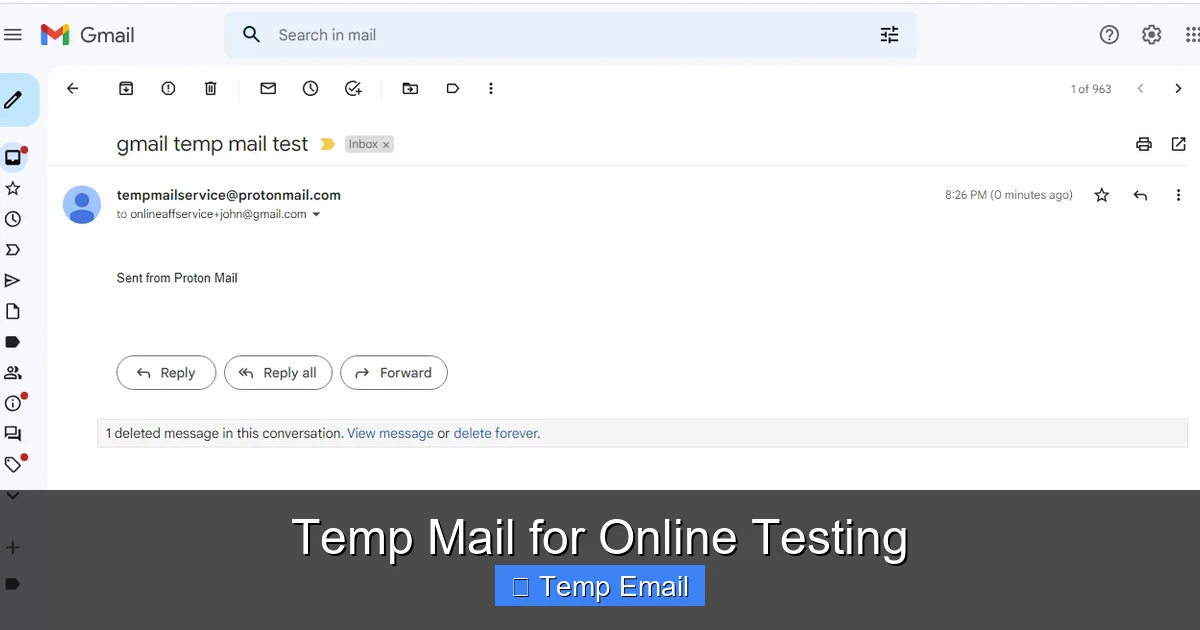
Visual guide about Temp Mail for Online Testing
Image source: 10-minutemail.com
Step 1: Choose the Right Service for Your Needs
Not all temp mail services are created equal for testing. Consider these factors:
- API Access: Essential for automation. Services like Temp-Mail.org or MailSlurp offer robust APIs to generate addresses and fetch emails programmatically.
- Inbox Persistence: How long does the inbox last? 10 minutes might be too short for a manual test; 2-3 hours is a good sweet spot.
- Domain Variety: Some services use a single domain (e.g., @tempmail.com). Others offer multiple domains, which can be useful if the target site blocks known disposable email domains.
- UI Simplicity: For manual testing, a clean, auto-refreshing inbox is crucial. Look for services that display new emails without manual refresh.
- No Captcha/Blocking: Some services require you to solve a captcha to view your inbox. This is a friction point for rapid testing.
Step 2: The Manual Testing Flow
For a one-off test or exploratory session:
- Open your chosen temp mail service in a browser tab.
- Copy the randomly generated email address (it’s usually displayed prominently).
- Paste it into the target website’s sign-up or contact form.
- Submit the form. The site should send a verification or notification email.
- Switch back to the temp mail tab. The inbox should auto-refresh and show the new email.
- Open the email. You can often click links directly from the temp mail interface (be cautious with unknown links) or copy any codes/links to paste into your test site.
- Complete the flow. Once done, simply close the tab. The address and inbox will self-destruct.
Step 3: The Automated/Programmatic Flow (Example with MailSlurp API)
For a scripted test (e.g., using Python or JavaScript):
- 1. Generate a new inbox via API call. The response gives you the email address and a unique inbox ID.
- 2. Use that email address in your test script to submit the form on the target application.
- 3. Poll the API for new emails associated with that inbox ID. You can set a timeout (e.g., wait 30 seconds max).
- 4. Parse the email content. The API returns the subject, body (HTML/text), and any attachments. Use regex or an HTML parser to extract the verification link or code.
- 5. Use the extracted data to complete the next step in your test (e.g., visit the verification link).
- 6. Delete the inbox via API. Clean up your test artifacts.
This entire sequence can be part of a Selenium, Cypress, or Playwright test script, creating a fully autonomous user journey test.
Step 4: Testing Edge Cases and Negative Scenarios
Temp mail for online testing isn’t just for happy paths. Use it to stress-test email logic:
- Invalid Format: Try submitting an address with a missing “@” or illegal characters. Does the front-end validation catch it immediately?
- Non-Deliverable Domain: Use a temp mail service, but then modify the address to a non-existent domain (e.g., [email protected]). Does the system handle the bounce gracefully? Does it show a user-friendly error after a delay?
- Rate Limiting: Can you request 50 verification emails in 60 seconds to the same temp address? A well-designed system should throttle this.
- Email Content Spoofing: Check if your application properly sanitizes user input that ends up in emails (preventing HTML/script injection in the email body).
Best Practices and Crucial Considerations
To use temp mail for online testing effectively and responsibly, keep these guidelines in mind.
Know the Limitations and Risks
Temp mail is a tool, not a magic wand. Be aware of:
- Service Reliability: Free services can be slow, go down, or have limited inbox capacity. Have a backup service or a secondary test email (like a dedicated Gmail just for testing) as a fallback.
- Blocking by Target Sites: Many sophisticated platforms (like Google, Facebook, major banking apps) actively block domains from known temp mail providers. This is a security feature for them, but a hurdle for you. You may need to use a less common provider or a custom domain you control for testing these specific sites.
- No Long-Term Storage: If you need to refer back to an email weeks later for regression testing, a disposable address won’t work. Use a dedicated permanent test account for that.
- Potential for Abuse: Some sites may flag activity from a temp mail domain as high-risk, leading to CAPTCHAs or even immediate account suspension. This is often by design to prevent spam and fraud.
Maintain Ethical Boundaries
This is the most important section. Temp mail for online testing is for legitimate purposes:
- ✅ DO: Use it to test your own company’s applications, to evaluate a SaaS tool before committing, to protect your privacy while exploring a new service, or to automate QA workflows.
- ❌ DO NOT: Use it to create fake accounts for harassment, fraud, or to manipulate systems (e.g., getting unlimited free trials). Do not use it to bypass paywalls, evade legitimate bans, or generate spam. This is unethical and often violates Terms of Service, potentially with legal consequences.
- The line is clear: are you testing the system, or are you trying to abuse the system?
Integrate with Your Test Management
Document your use of temp mail in your test plans. Note which test cases rely on it. If you’re writing automated tests, include comments explaining the temp mail integration step. This ensures other team members understand the flow and that the test isn’t flaky due to a temp mail service outage. Treat the temp mail service as a critical third-party dependency in your test environment.
Legal and Compliance Landscape: Is It Allowed?
The legality of using temp mail is a common concern. The short answer: using disposable email for testing is almost universally permissible and is, in fact, a best practice for privacy and security testing. However, the context matters.
Terms of Service (ToS) Violations
The primary legal risk comes from violating a specific platform’s Terms of Service. Many social media, e-commerce, or forum platforms explicitly prohibit the use of “temporary,” “disposable,” or “throwaway” email addresses in their sign-up ToS. They do this to combat spam, fake accounts, and abuse. If you use temp mail to sign up for such a service, you are technically violating their ToS. They can then ban the associated IP address or take other enforcement actions. For a one-time test of a public-facing form, the risk is low, but for creating persistent accounts on such platforms, it’s a definite violation.
Data Protection Regulations (GDPR, CCPA)
From a data controller (the website you’re testing) perspective, accepting a temp mail address as a user’s contact information can be a GDPR gray area. A “data subject” has rights (access, erasure). How do you exercise the right to be forgotten for an address like [email protected] that you don’t own? For testing your own application, this is a non-issue because test data is, by definition, not real personal data. But if you are a third-party tester for a GDPR-compliant company, clarify with their legal team how test data (including test emails) should be handled. Often, they will provide you with a dedicated, company-owned test email domain.
The Bottom Line for Testers
For QA testers validating functionality, using temp mail is a standard, accepted, and encouraged practice to avoid polluting real user data and personal inboxes. The ethical line, as mentioned, is about intent and scale. Using it to perform your job is perfectly fine. Using it to create hundreds of fraudulent accounts is not. Always review the specific ToS of the application you are testing if you have any doubt, especially for long-term or high-value account creation tests.
Top Tools and Services for Temp Mail in Testing (A Comparative Look)
Here’s a breakdown of popular options, categorized by primary use case.
For Quick, Manual Testing (No Setup)
- Temp-Mail.org: The classic. Simple, no-frills interface. Random address on load, auto-refreshing inbox. Good for one-off checks. No API.
- 10MinuteMail.com: Extremely straightforward. Timer counts down. Inbox is basic but reliable. Perfect for a 10-minute test sprint.
- Guerrilla Mail: Offers a bit more control—you can choose your own inbox name from a list. Also includes a basic “send mail” feature, which is rare and useful for testing email sending from your own domain.
For Automation and API-Driven Testing
- MailSlurp: The industry leader for developers. Fantastic REST API and SDKs for Java, Python, JS, etc. You can programmatically create infinite inboxes, send emails, wait for new emails, and parse content. Handles attachments, MIME types, and has great documentation. Paid plans for high volume, but has a generous free tier.
- Temp-Mail API (by many providers): Some services like Temp-Mail.org also offer a limited free API. It’s simpler than MailSlurp but can work for basic “create inbox -> get latest email” flows.
- Mailinator (Public Inboxes): The wild west. Any inbox created is public to anyone who guesses the name. Never use for anything with sensitive data. However, for testing public-facing email notifications (like a “password reset” email that contains no secret tokens—just a link with a one-time token that expires immediately), it can be used. The risk is anyone can see your test emails. Its main API feature is watching public inboxes for specific domains.
For High-Security/Enterprise Testing
- Self-Hosted Solutions: For companies with extreme data privacy needs, tools like MailHog or Papercut can be installed on a local server or internal network. They act as a fake SMTP server that catches all outgoing emails from your test environment and displays them in a local web UI. This keeps all test emails 100% internal and never leaves your network. Ideal for testing internal enterprise applications.
- Dedicated Test Domains: Purchase a cheap domain (e.g., myapp-test.com) and set up email forwarding to a central inbox or use an email service provider’s API to create infinite sub-addressing (like [email protected]). This gives you full control and avoids third-party service blocks.
Conclusion: Making Temp Mail a Strategic Asset
Temp mail for online testing is far more than a spam-fighting hack; it’s a cornerstone of professional, ethical, and efficient quality assurance. It empowers you to test thoroughly without sacrificing your privacy, cluttering your primary inbox, or risking your personal data. By integrating disposable email addresses into your workflow—whether manually with a simple web tool or programmatically via a robust API—you create a sterile testing environment that mirrors the user experience without the long-term consequences.
The key is intentionality. Choose the right tool for your specific test scenario, understand the limitations of free services, and always operate within ethical and legal boundaries. When used correctly, it streamlines development cycles, automates previously manual checks, and provides peace of mind. So the next time a form barks “Enter your email,” you can smile, generate a temp address, and test with confidence, knowing your real identity and inbox are safely tucked away. That’s the power of mastering this simple yet profound tool in the modern tester’s kit.
Frequently Asked Questions
Is using temp mail for online testing legal?
Yes, using disposable email for legitimate testing of your own applications or evaluating services is perfectly legal. The primary legal risk comes from violating a specific platform’s Terms of Service, which often prohibit temp mail for account creation. For QA work, it is a standard, accepted practice.
Can websites detect that I’m using a temp mail address?
Yes, absolutely. Websites maintain lists of domains from known temp mail providers. When you enter an address from one of these domains, their system can flag it as disposable. This may block sign-up, trigger additional verification (like a CAPTCHA), or flag the account for review. This is a common anti-spam and anti-fraud measure.
Are temp mail services secure for testing?
For testing purposes, they are generally secure enough. The main risk is that the inbox is often publicly accessible on the provider’s website if someone guesses the random address. Therefore, you should never use temp mail for any account that contains real personal data, financial information, or sensitive credentials. It is strictly for anonymous, non-critical testing.
How long do temp email addresses typically last?
It varies by service. Common lifetimes are 10 minutes, 1 hour, or until the browser tab is closed. Some services delete the inbox after a set number of messages (e.g., 3 emails). For longer testing sessions, choose a service that explicitly offers a 2-3 hour window or more.
Will using temp mail affect my test results if the email is blocked by the target site?
Yes, it can. If your target application blocks disposable email domains at the point of sign-up, your test will fail at the first hurdle. This is an important test case itself—verifying that your application’s email validation logic is working as intended. You may need to use a less common temp mail provider or a dedicated test domain for such applications.
What’s the biggest mistake people make when using temp mail for testing?
The biggest mistake is using it for accounts that need to persist or contain sensitive data, and then forgetting about them. Another common error is not checking the inbox quickly enough—verification emails often have short expiry times (5-10 minutes). If you wait 30 minutes, the link may be dead, causing a false-negative test result. Always time your test steps accordingly.
Leave a Reply